Run your Turo fleet
like a real business.
Automatic Turo sync, true per-car profit, daily ops, and an investor portal — one platform.
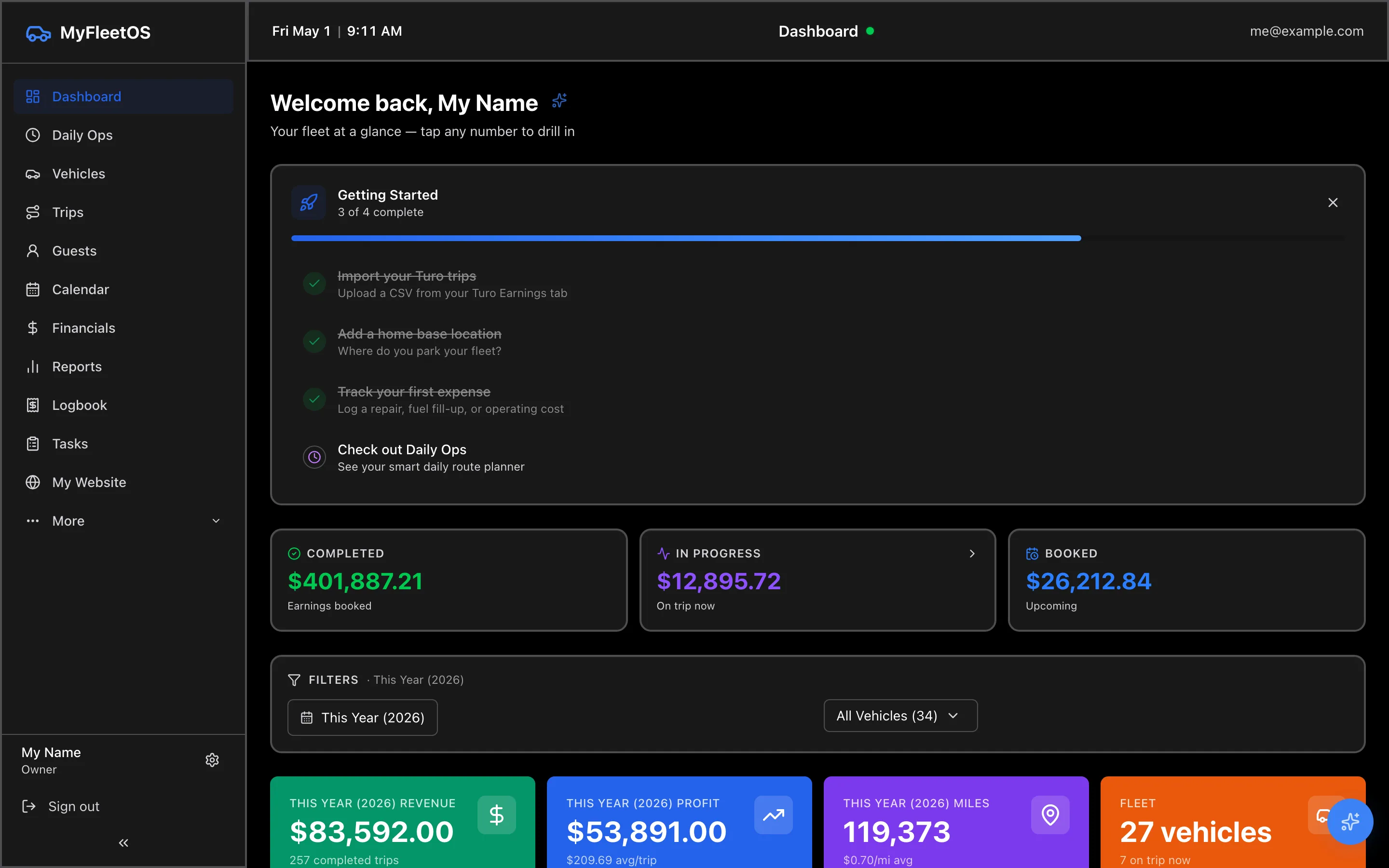
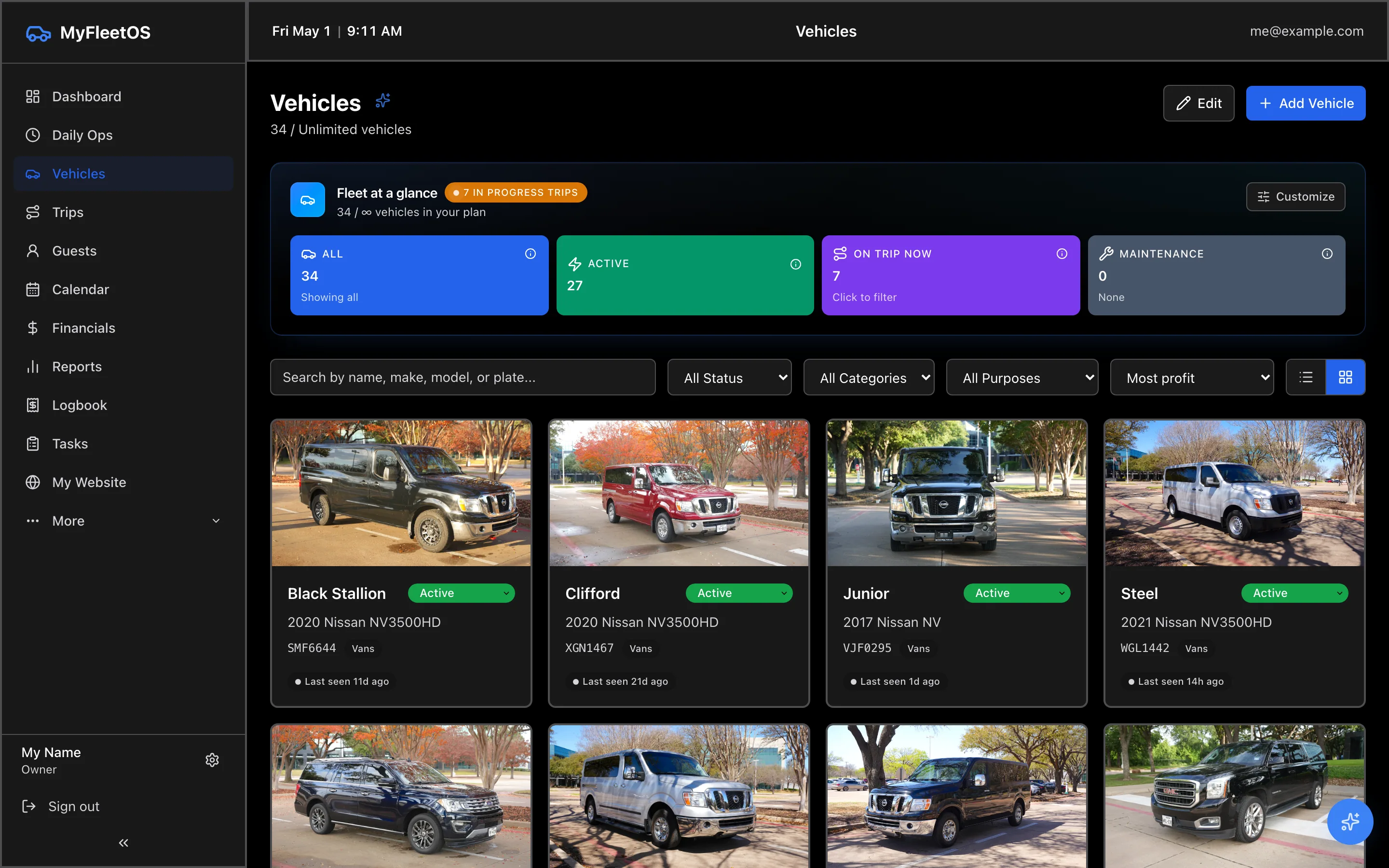
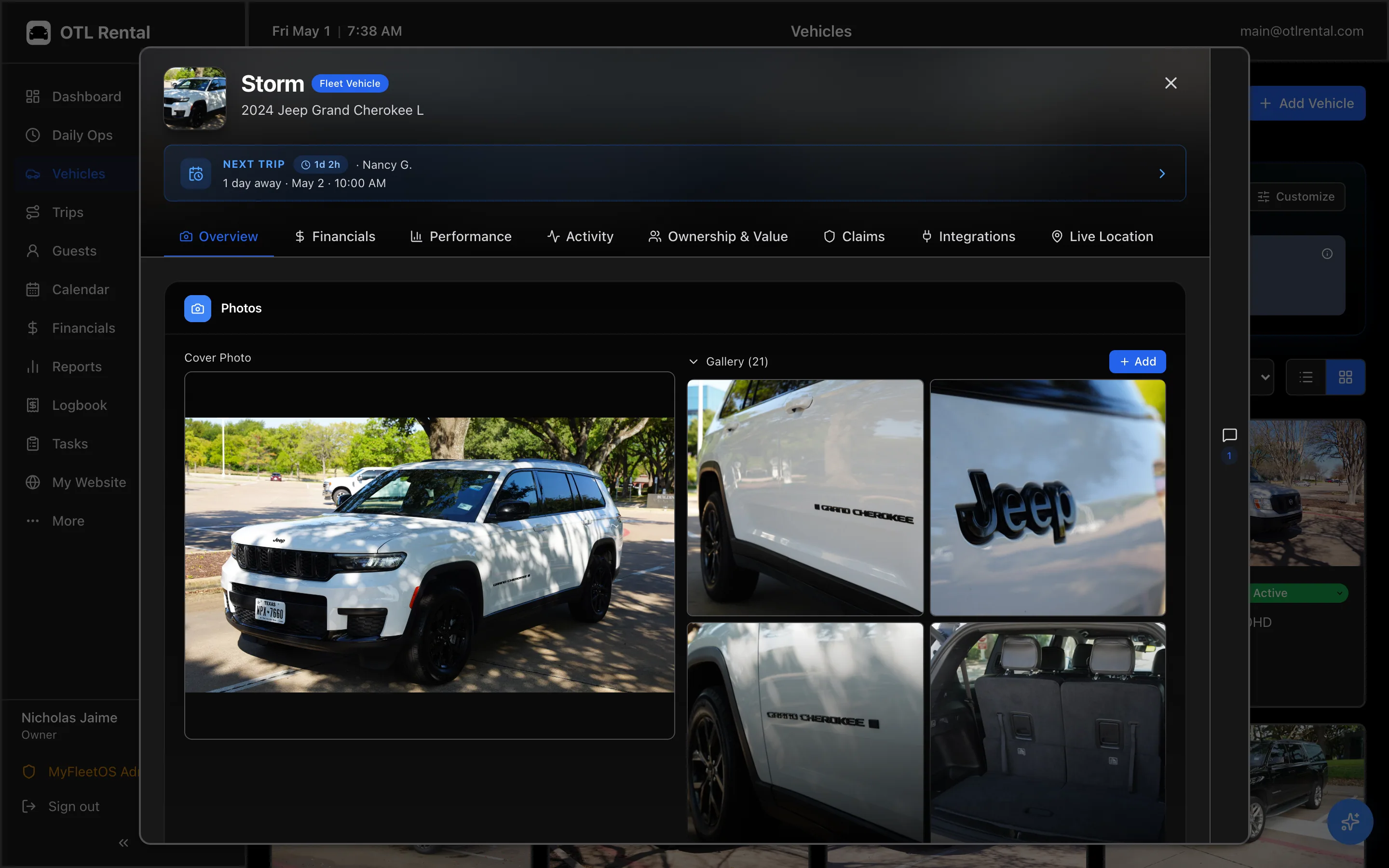
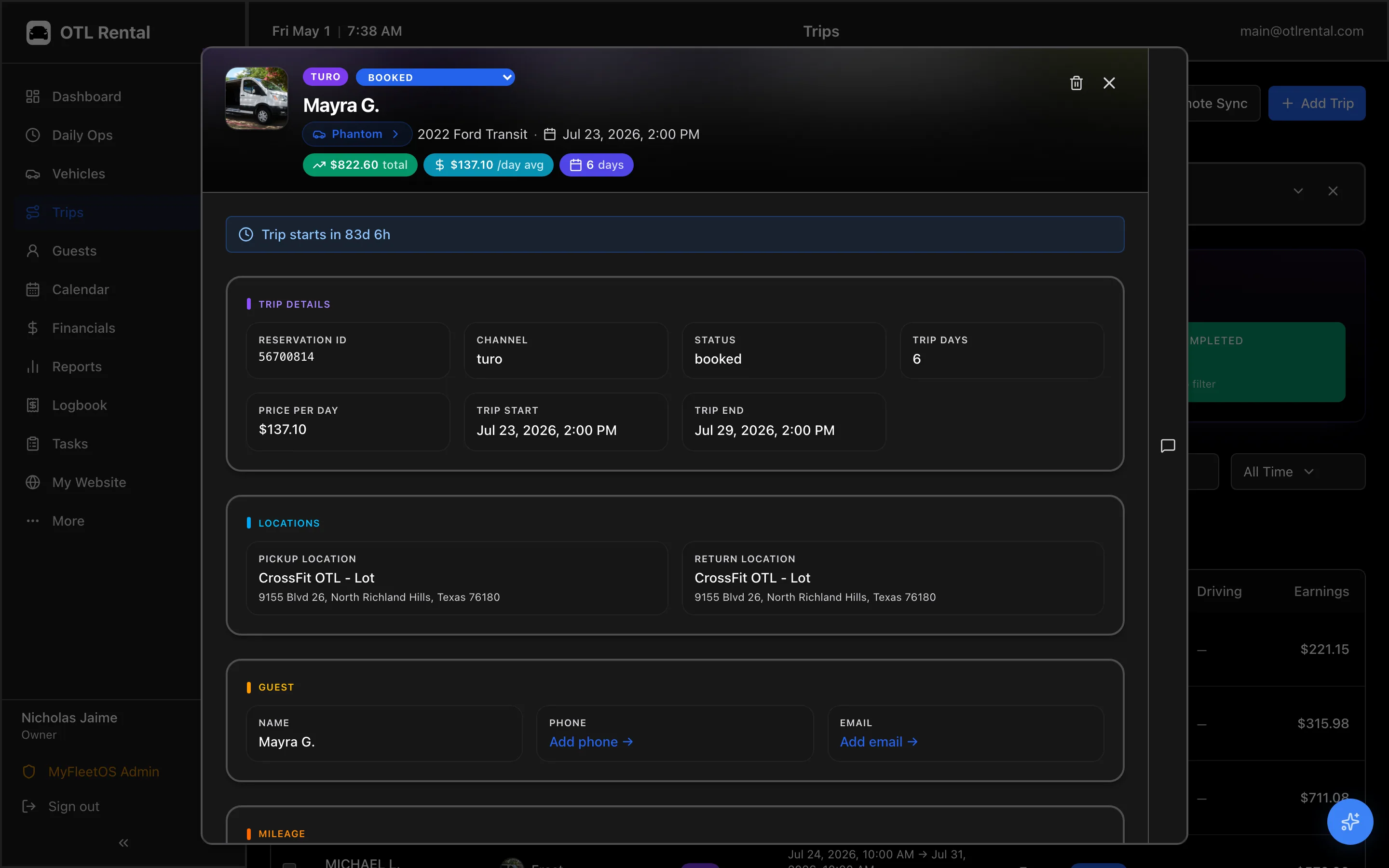
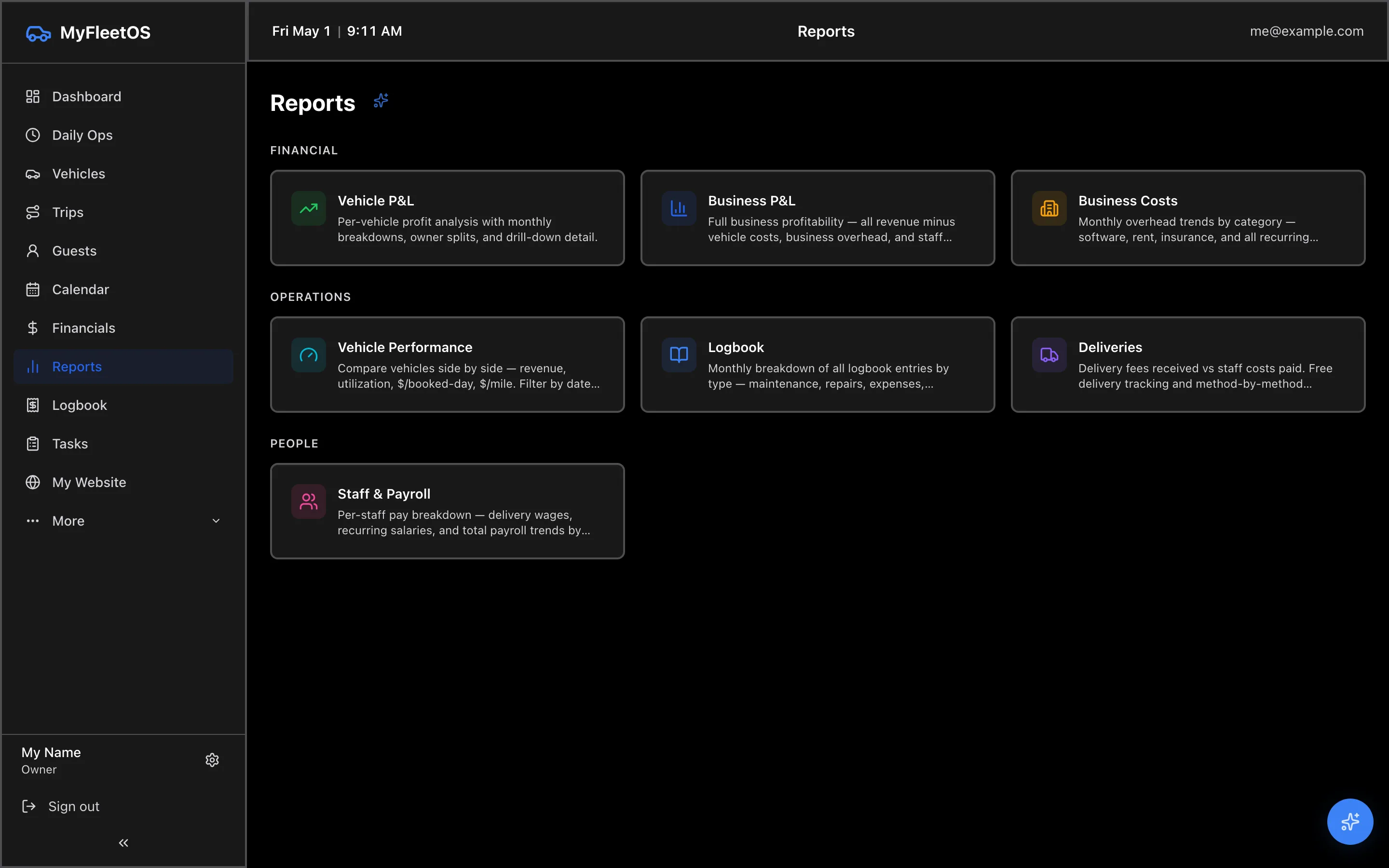
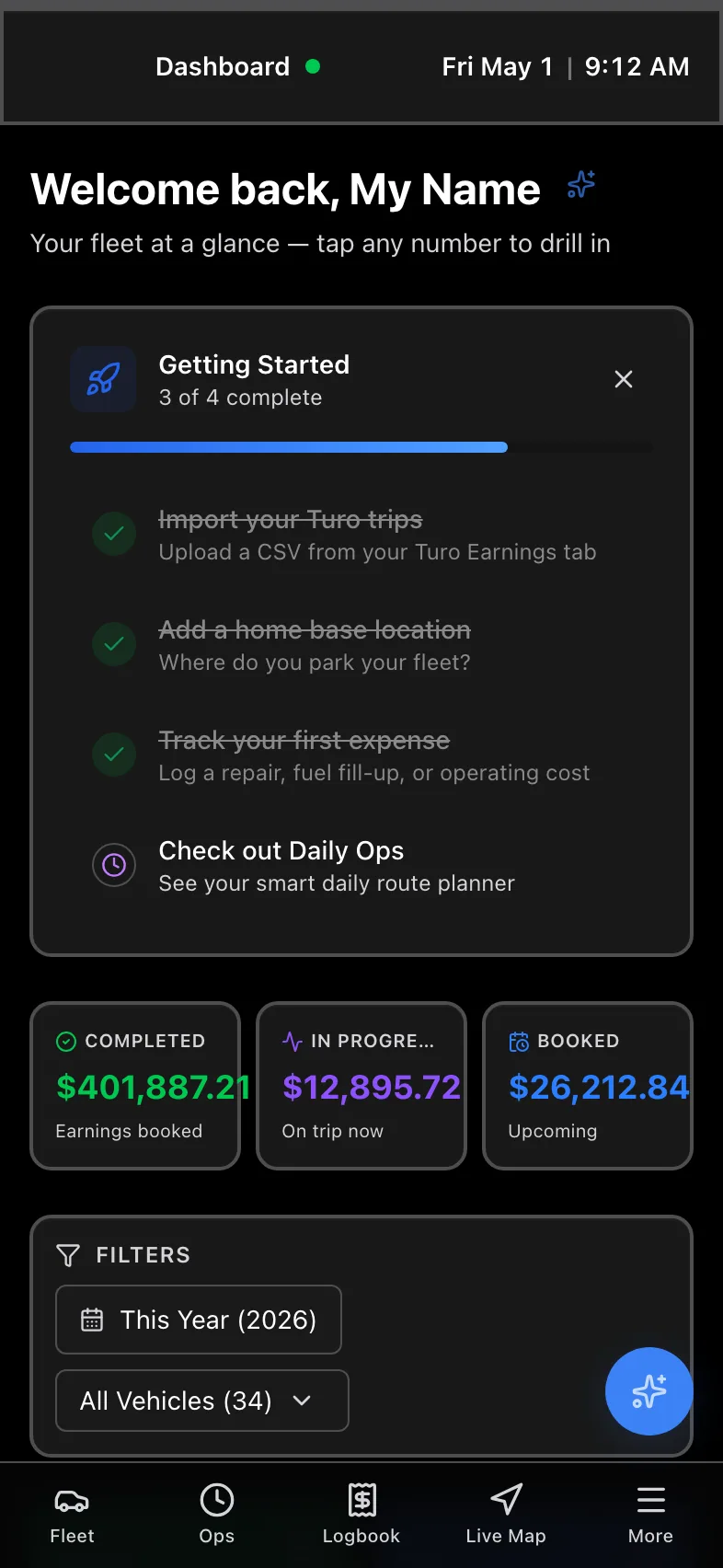
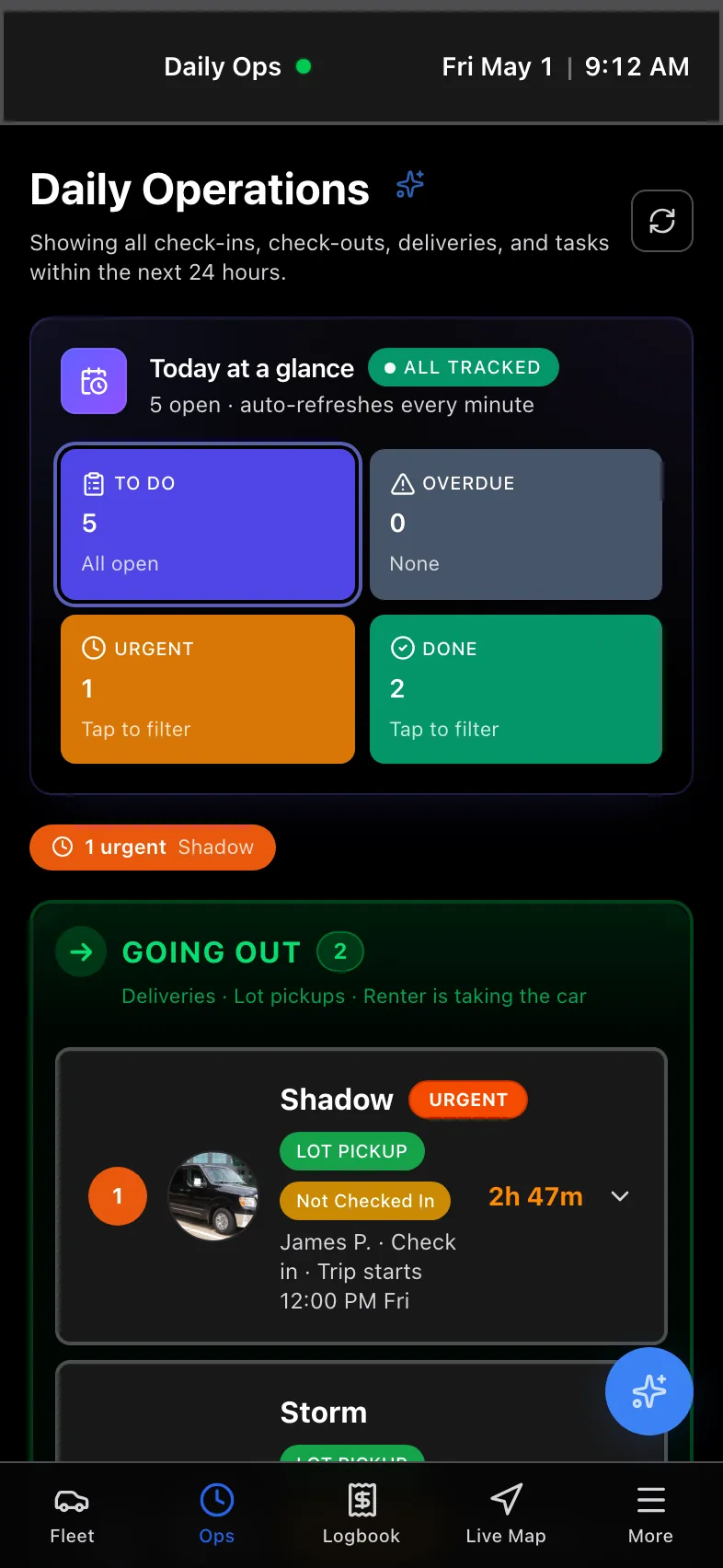
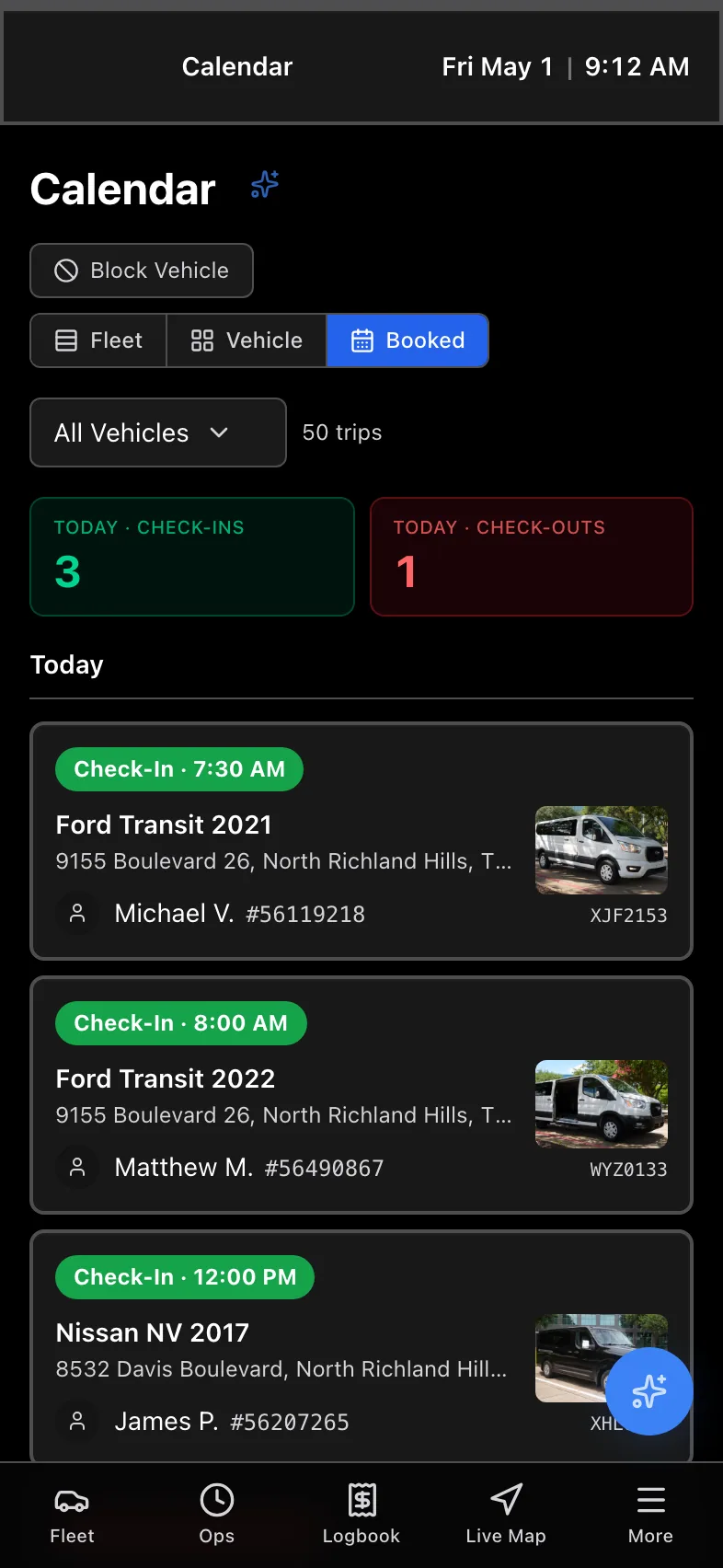
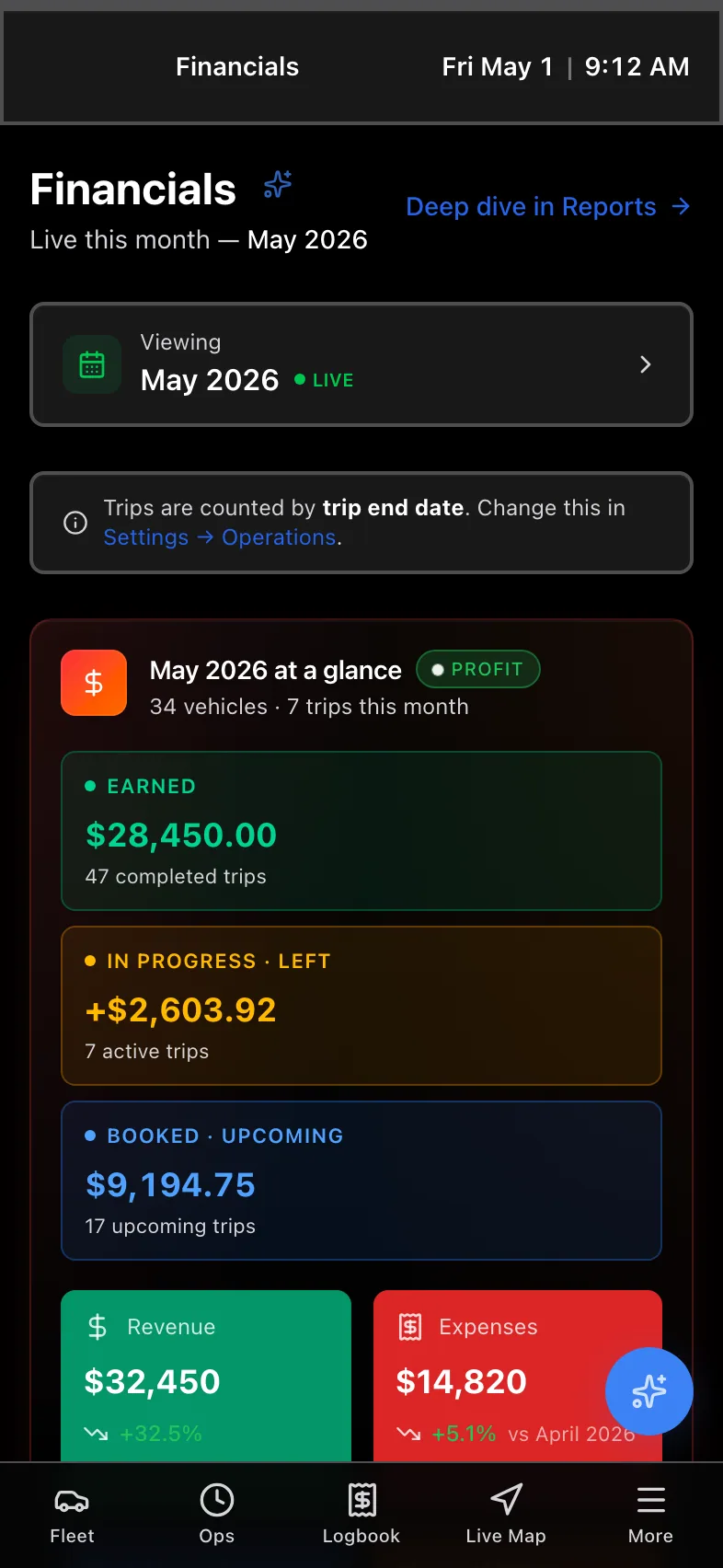
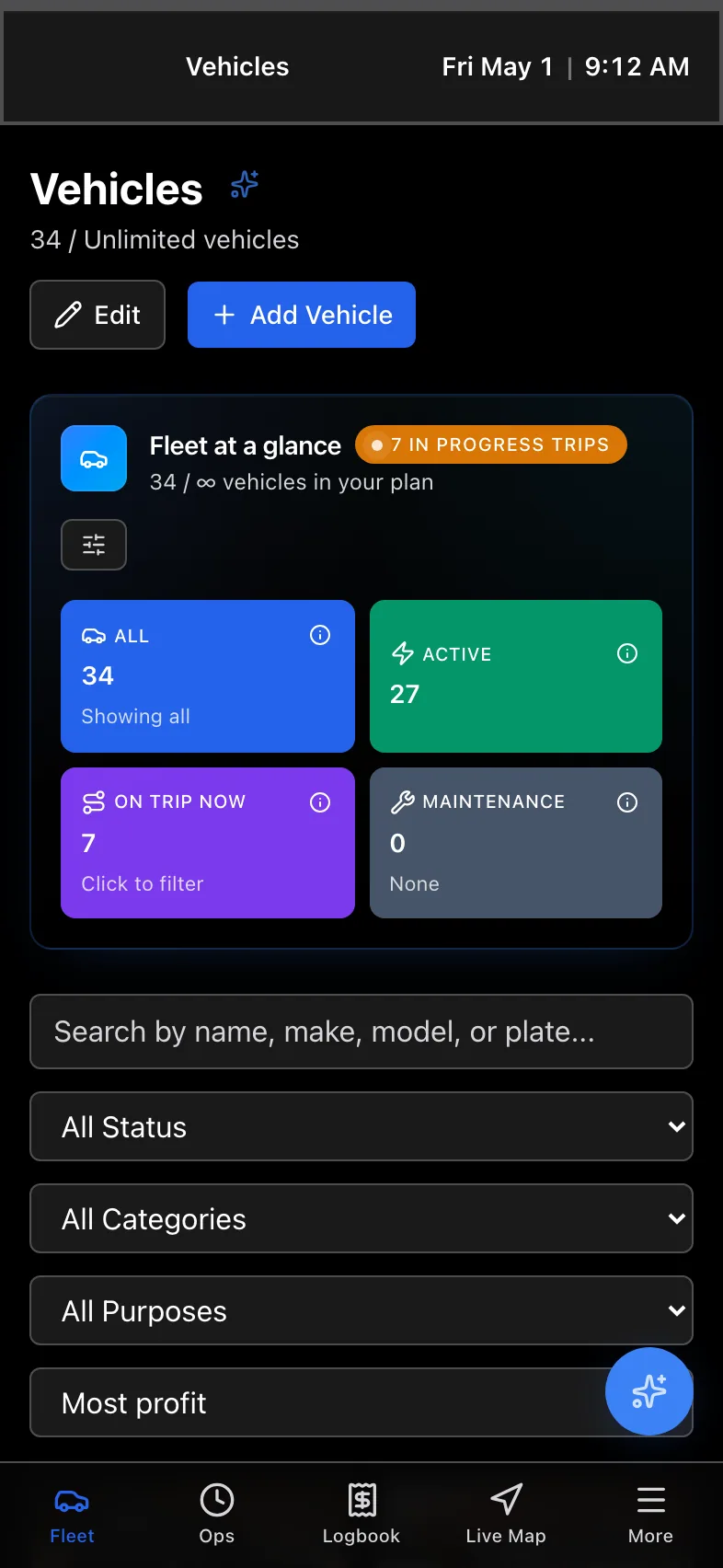
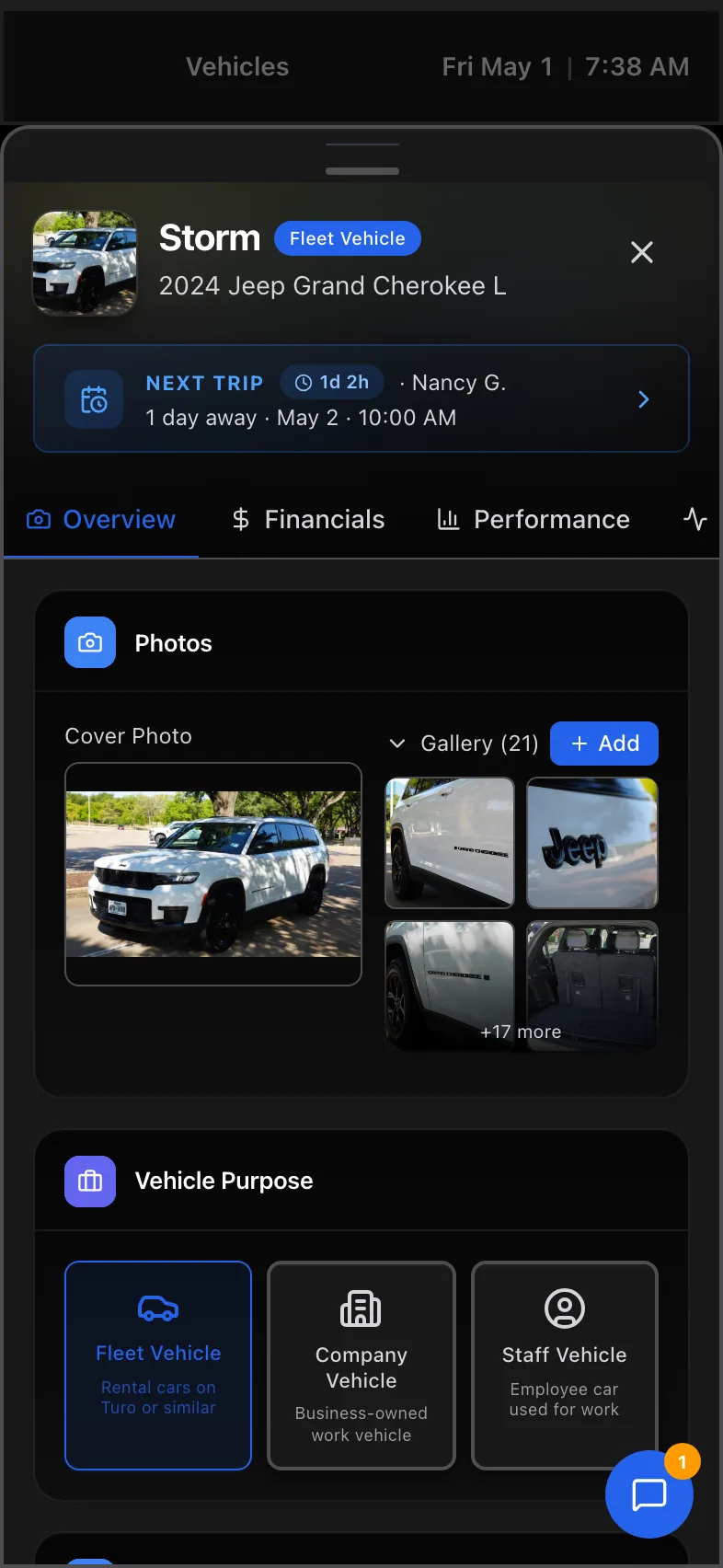
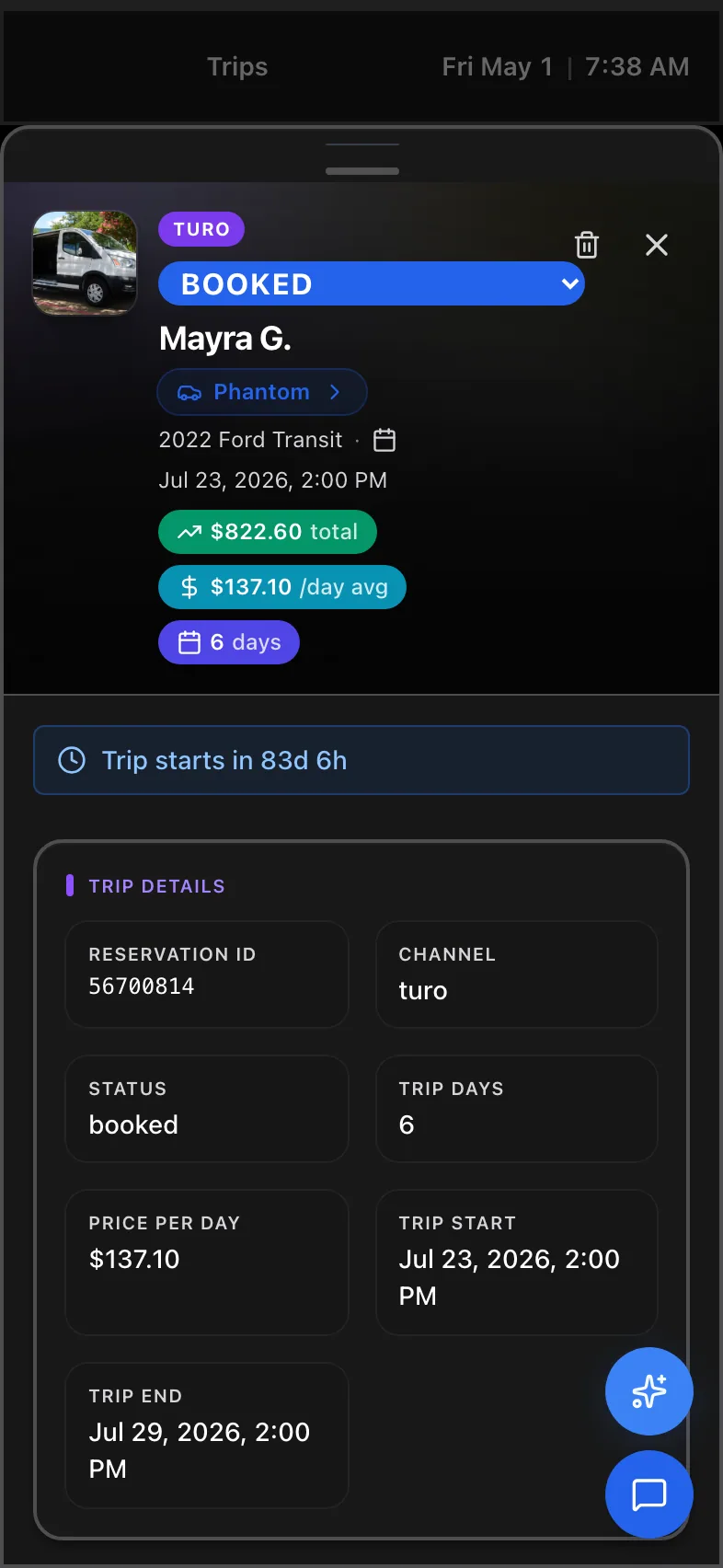
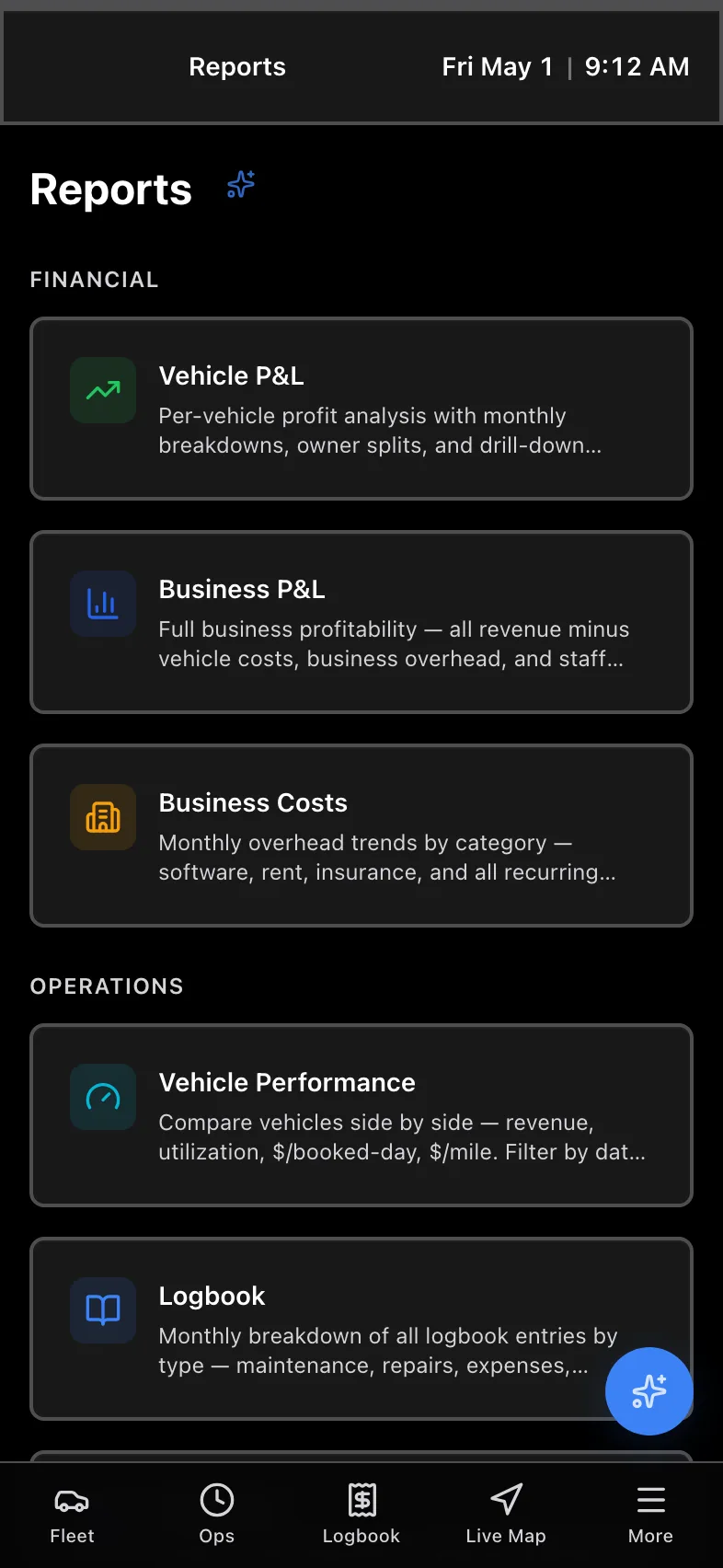
See every screen, every angle
Desktop and mobile, side by side. The same data, the same actions, anywhere.
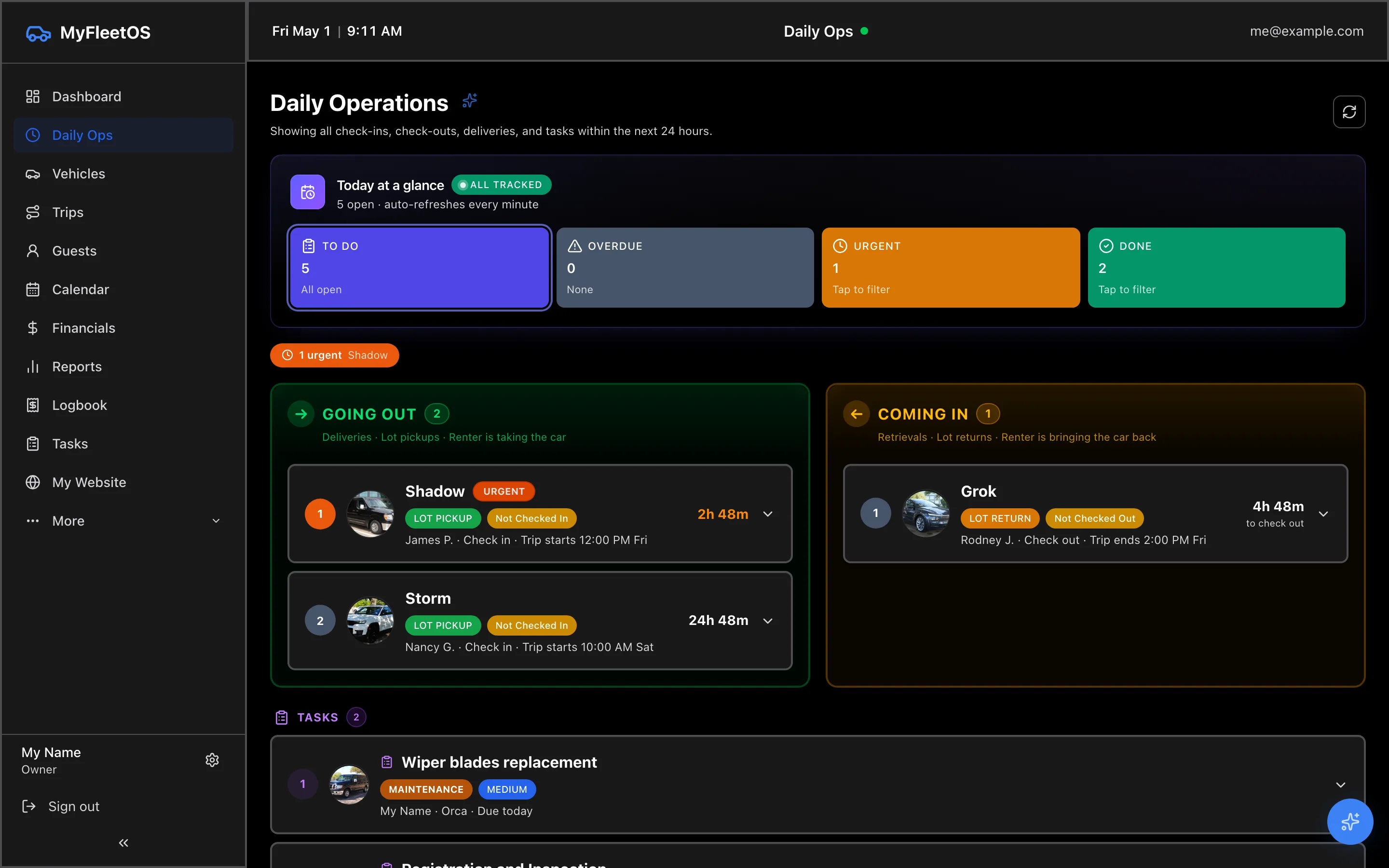
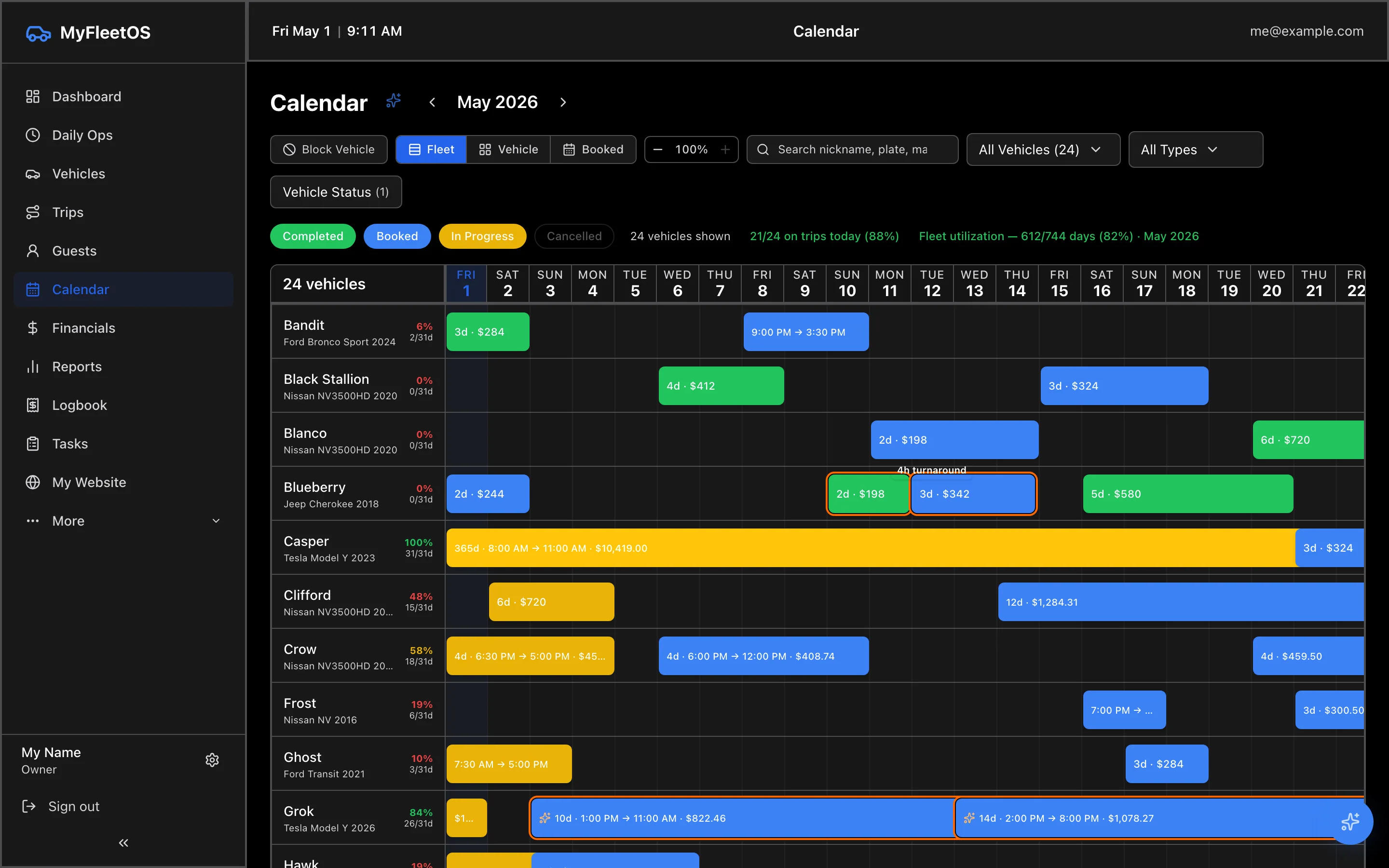
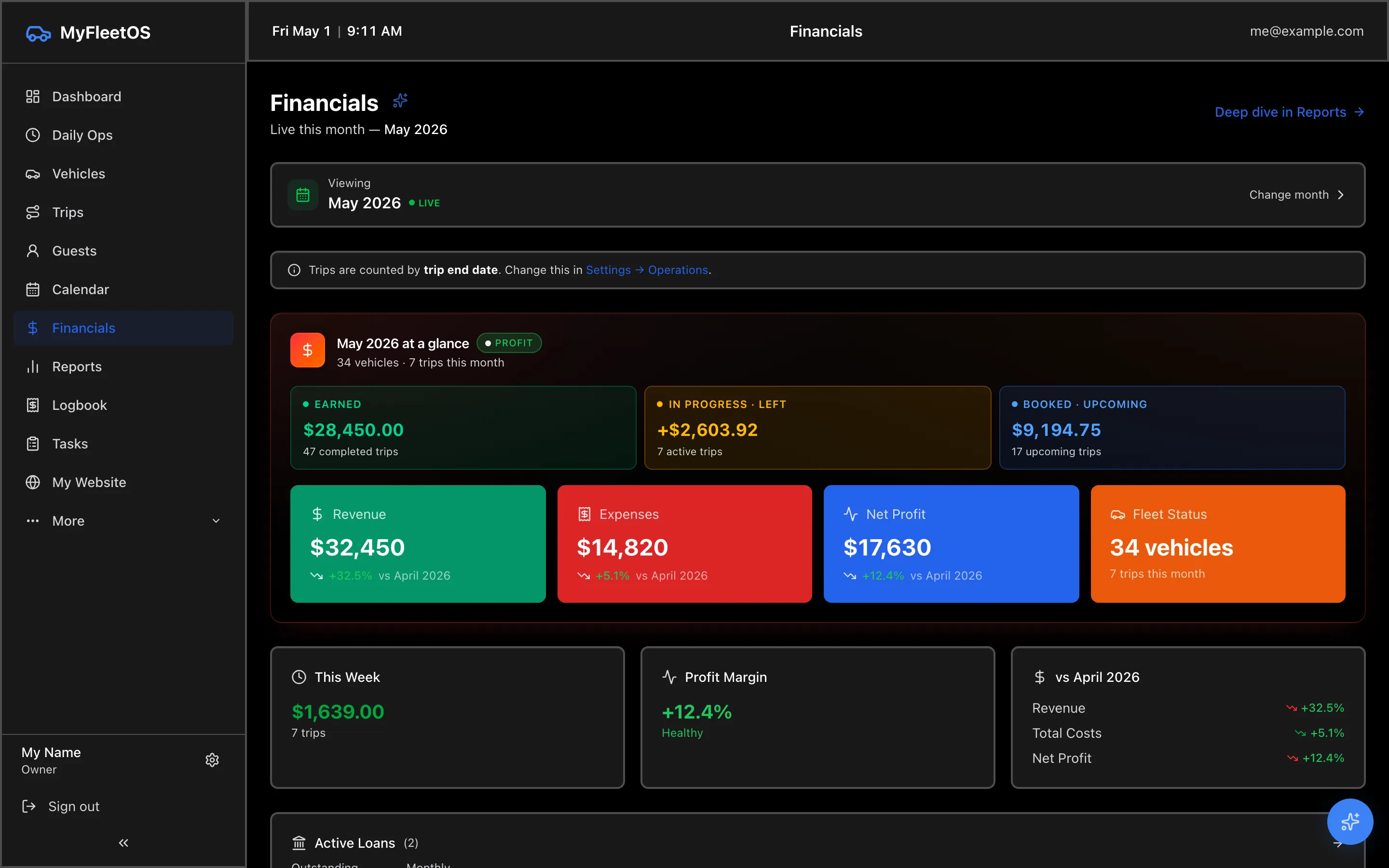
Up and running in 3 steps
Most hosts have their full Turo history imported and per-car profit live within the trial day.
Sign up
30 seconds. No credit card. Pick "I'm a Turo host" on the welcome screen.
Import your Turo CSV
Auto-creates every vehicle, trip, and guest in one upload. VIN-decoded specs and KBB values fill in automatically. No duplicates.
See per-car profit
True net P&L per car per month. Daily ops view shows what needs attention right now.
What hosts are saying
From 1-car solos to 30+ car fleets.
"Finally stopped doing my Turo accounting in Excel. Knowing per-car profit changed how I buy cars."
"CSV import handled 18 months of trips on day one. Took 90 seconds. I almost cried."
"Investor portal alone is worth the subscription. My investors stopped texting me every month."
One platform, every tool
No more 5 spreadsheets and 3 apps. See the full product →
Automatic Turo sync
Chrome extension imports your Turo data on a schedule. All 47 columns, no duplicates, no password sharing.
Per-car net profit
Apportioned earnings, recurring costs, loan payments. The real number you take home.
Daily ops view
Today’s checkouts, returns, cleanings, tasks — grouped by urgency. AI surfaces what needs you.
Investor portal
Per-investor scoped view. They see only their cars, their share, their P&L. You control the visibility.
Why not just use a spreadsheet?
Spreadsheets don’t import Turo automatically. They don’t scope investor views. They don’t do daily ops or recurring costs or per-car profit math.
Frequently asked questions
Anything else? support@myfleetos.com
How does Turo import work?
Two ways. (1) Chrome extension auto-syncs on a schedule — set it once and forget it. (2) Manually upload your Turo earnings CSV. Both map all 47 columns, dedupe trips, and create vehicles.
Can my investors see my full financials?
No. The investor portal scopes each investor to only the vehicles they own a share of. You also control which fields they can see — earnings, costs, valuations, etc.
Do I need to give you my Turo password?
Never. The Chrome extension reads your already-logged-in Turo session locally. We only ever see the parsed data after it lands in your MyFleetOS account.
What happens after the trial?
Pick a plan or pause. Your data stays exactly where it was. We never auto-charge — there’s no card on file during the trial.
Can I use it for a 1-car fleet?
Yes. The Starter plan is built for solo hosts ($39/mo). The product hides complexity until you need it — same MyFleetOS at every fleet size.
Ready to run your fleet like a business?
14 days free · No credit card · Set up in 5 minutes
Start Free Trial →